 Geo-Utils
The whole world, in any projection.
Geo-Utils reprojects equirectangular base maps and KML files into 14 map projections. Aim the map at any point, tilt it into oblique aspects, measure routes, and export the result as SVG or PNG.
Not on Google Play yet — build it from source with Android Studio.
A map workshop in your pocket
Everything runs on the device. Start from a base map, add your own geographic data, and shape the projection until the map says what you need.
Reproject base maps
Bundled NASA Blue Marble, or open your own equirectangular PNG, JPEG or WebP. Every output pixel is inverse-projected and sampled.
Draw KML on top
Points, lines and polygons with their styles, densified along great circles and clipped cleanly at horizons and seams.
Aim it anywhere
Set any center and azimuth, or define the map's "equator" from two points. Turn Mercator into transverse Mercator in a tap.
Measure routes
Great-circle and rhumb-line paths between two points, with distance and initial bearing, drawn right on the map.
Export SVG or PNG
Vector SVG with the raster embedded — opens in browsers and Inkscape — or a flat PNG. Save it or share it straight away.
Interrupted maps, done right
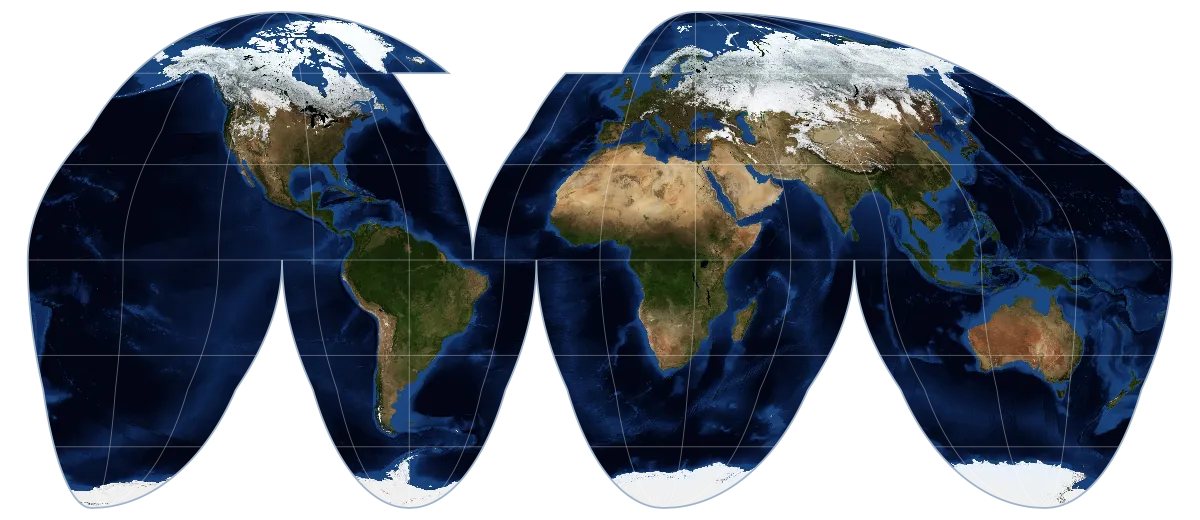
Goode homolosine keeps its lobes tied to the continents, with a choice of keeping Greenland divided, whole, or both.
Rendered by the app itself
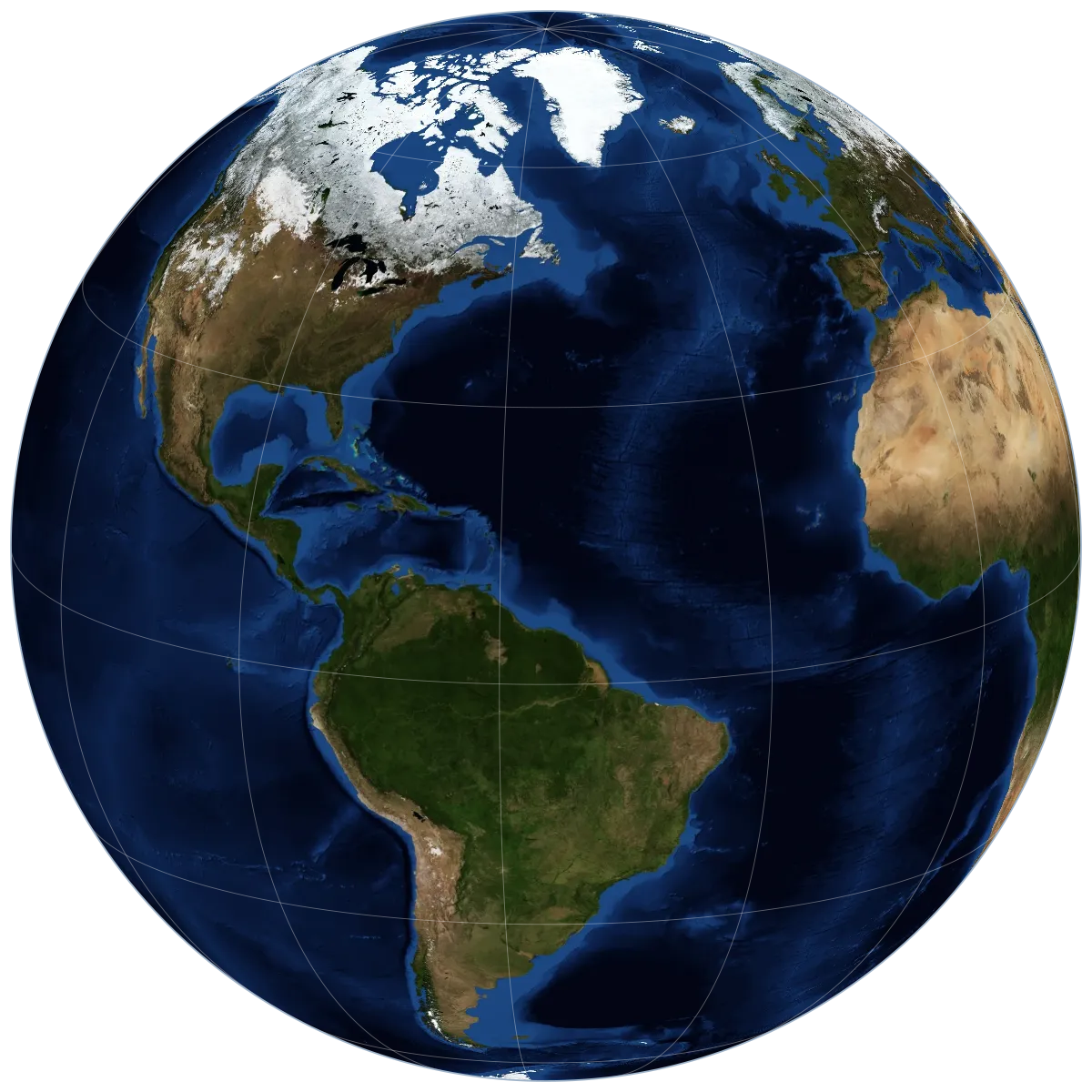
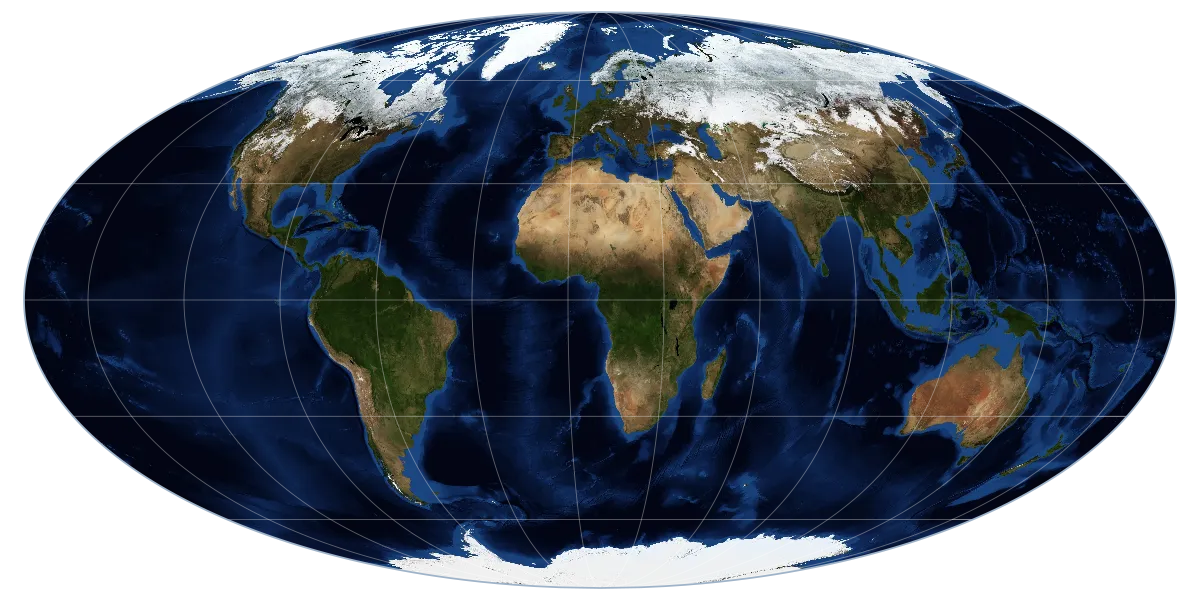
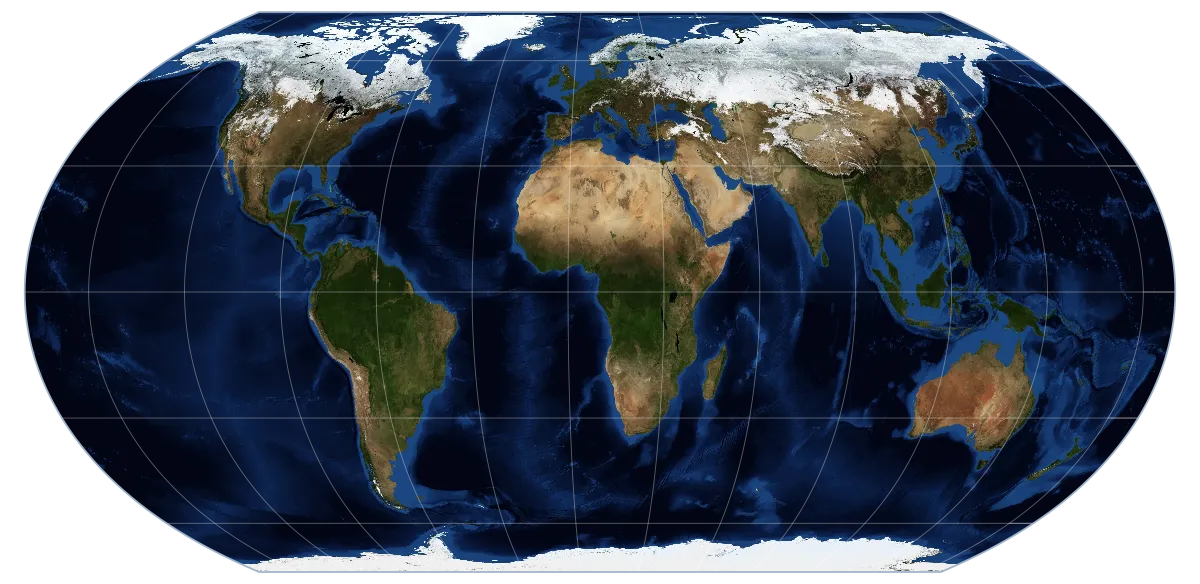
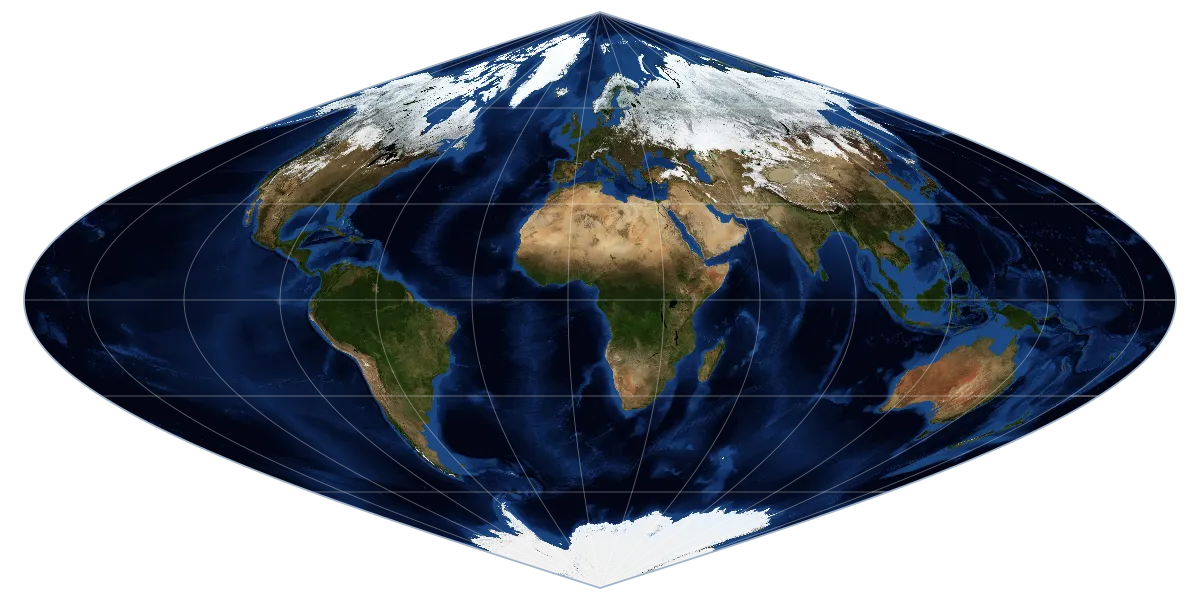
Every image on this page was produced by Geo-Utils' own projection engine from the Blue Marble base map.
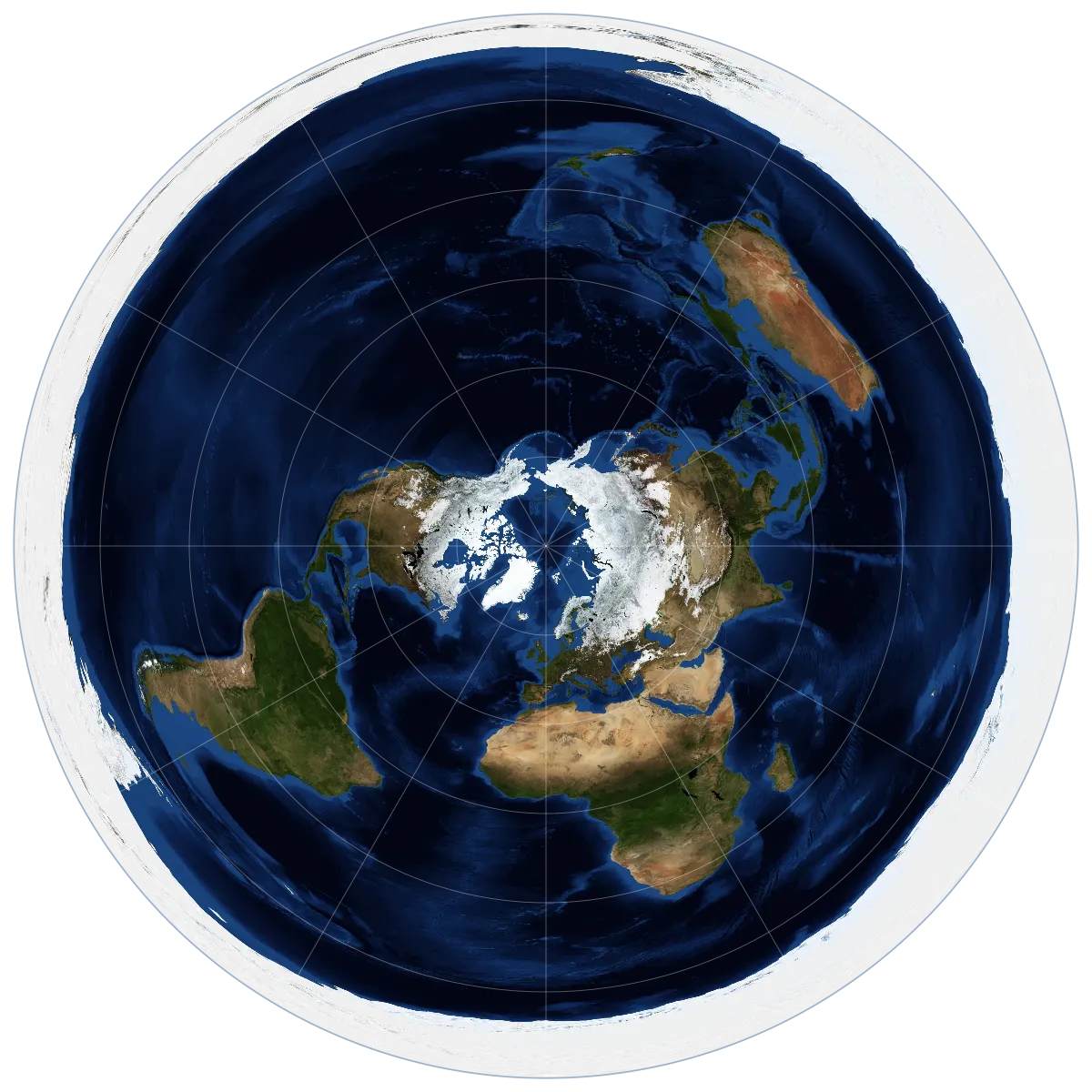
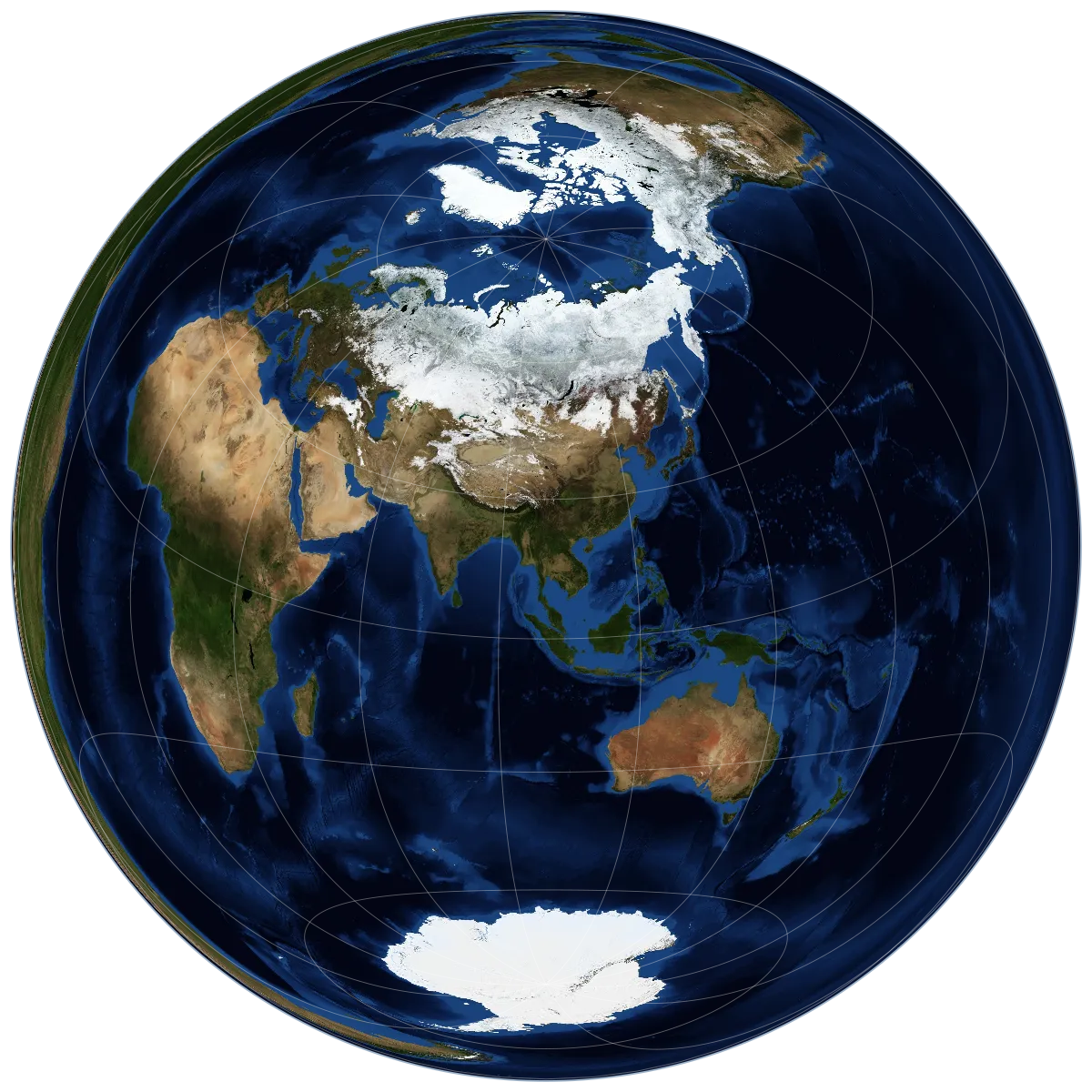
Orthographic, azimuthal equidistant, Lambert azimuthal equal-area.
Equirectangular, Mercator, Lambert, Behrmann, Hobo–Dyer, Gall–Peters, central cylindrical.
Sinusoidal, Mollweide, Equal Earth, Goode homolosine.
Three steps to a map
No accounts, no servers. Your files stay on your phone.
Pick your layers
Choose the bundled Blue Marble or your own image, and optionally open a KML file.
Shape the projection
Choose a projection, set its center, azimuth and parameters, and pinch to explore.
Export
Save or share the map as SVG or PNG, with the base map's attribution included.
Where it's going
Each milestone leaves the app usable. The full plan is in ROADMAP.md.
- v0.1Orthographic MVPBase map + KML on a globe, SVG and PNG exportdone
- v0.2More projections14 projections with oblique and transverse aspectsdone
- v0.3Extensible projectionsProjection registry, geodesy tools; next: conic and hemispheric mapsin progress
- v0.4Base map libraryManage base maps, saved configurations, places, export optionsplanned
- v0.5Downloadable base mapsA catalog of openly licensed maps, including night lights and planetsplanned
- v1.0Interactive mapsDrag to spin the globe, GPU reprojection, live re-renderingplanned